
Best AI Productivity Tools for Remote Workers 2026: Top 10
Published / Updated: February 2026 USA-focused guide for freelancers, solopreneurs and remote teams
Remote work keeps growing in 2026. With teams spread across time zones and more people working from home, the right AI tools help you stay focused, automate boring tasks and get more done without burning out.
This list shows the best AI productivity tools for remote workers right now. They are chosen for real time savings, easy USA pricing in dollars, good integrations (Slack, Google, Zoom, etc.) and how popular they are with freelancers and small teams.
-In-Use-Reviewer-Photo-(no-border)-SOURCE-Julian-Chokkattu.jpg)


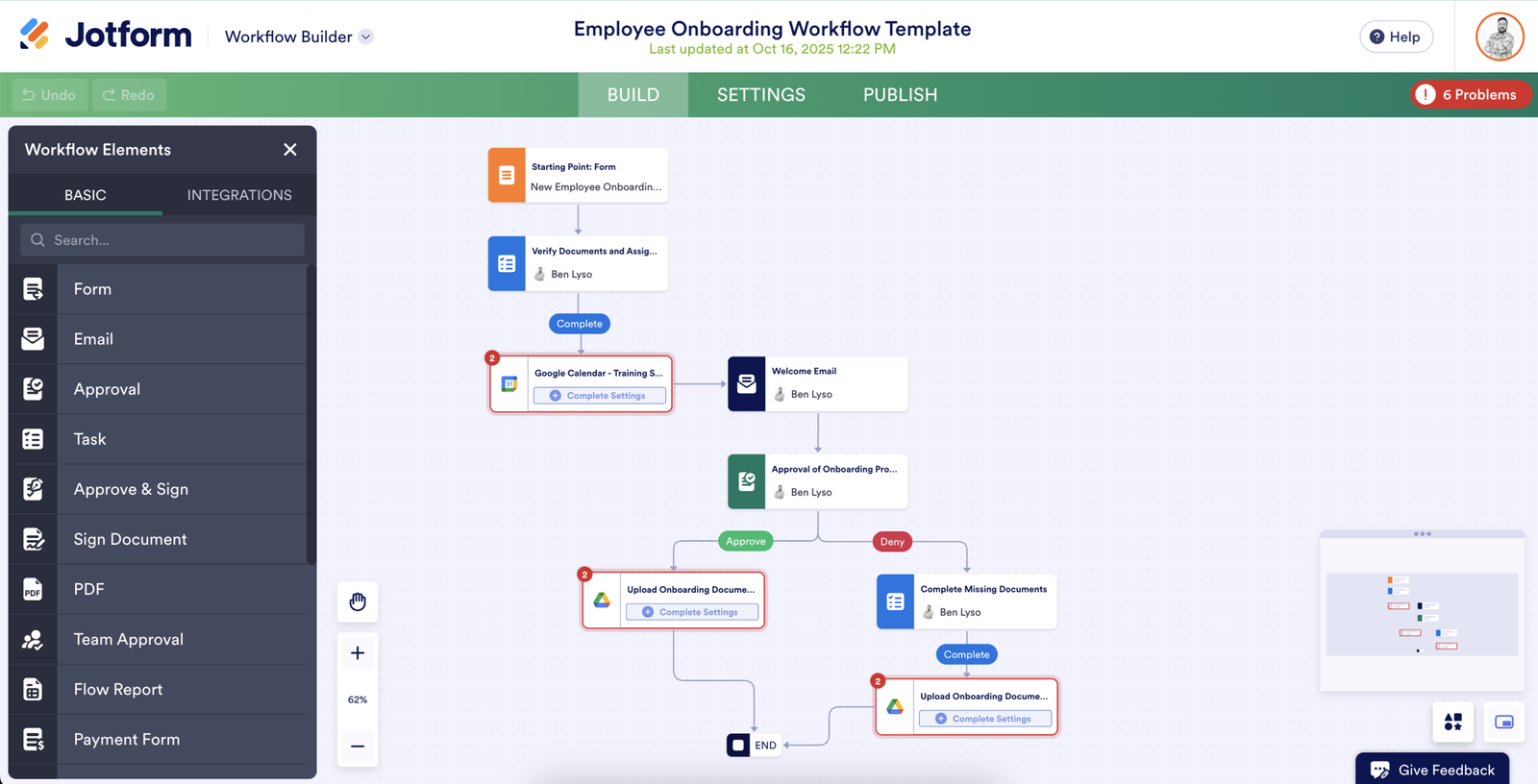
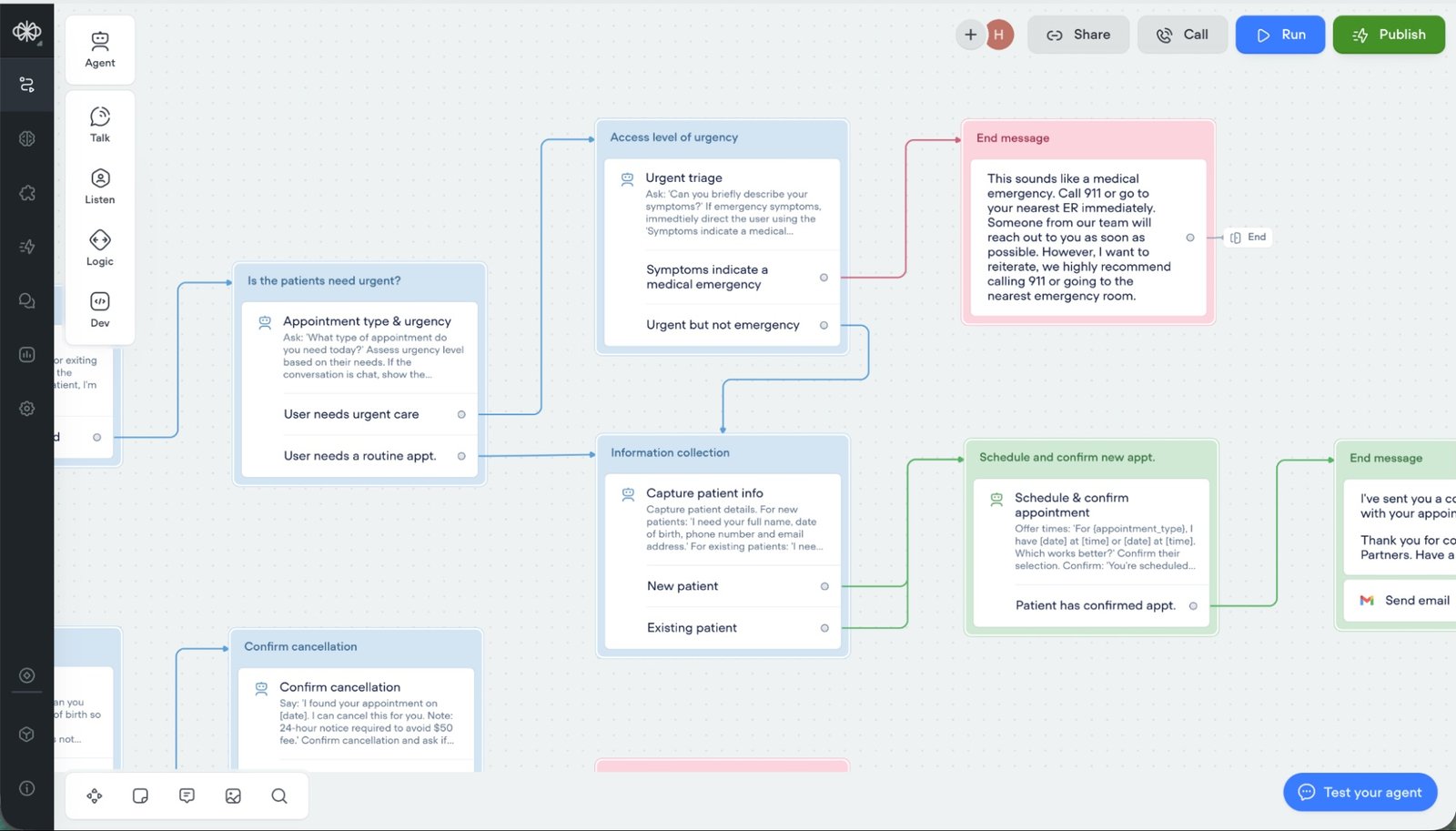
1. Zapier Agents / Zapier Central
Automate almost anything across 7000+ apps without writing code. Great for client follow-ups, content posting, lead handling.
Official site: https://zapier.com Price: Free plan available, Pro around $20/month Best for: Anyone who wants to remove repetitive tasks completely.
2. Perplexity AI
Fast research tool that searches the web in real time and gives answers with sources. No more opening 20 tabs.
Official site: https://www.perplexity.ai Price: Free, Pro $20/month for unlimited use Best for: Quick market checks, competitor research, fact-finding.
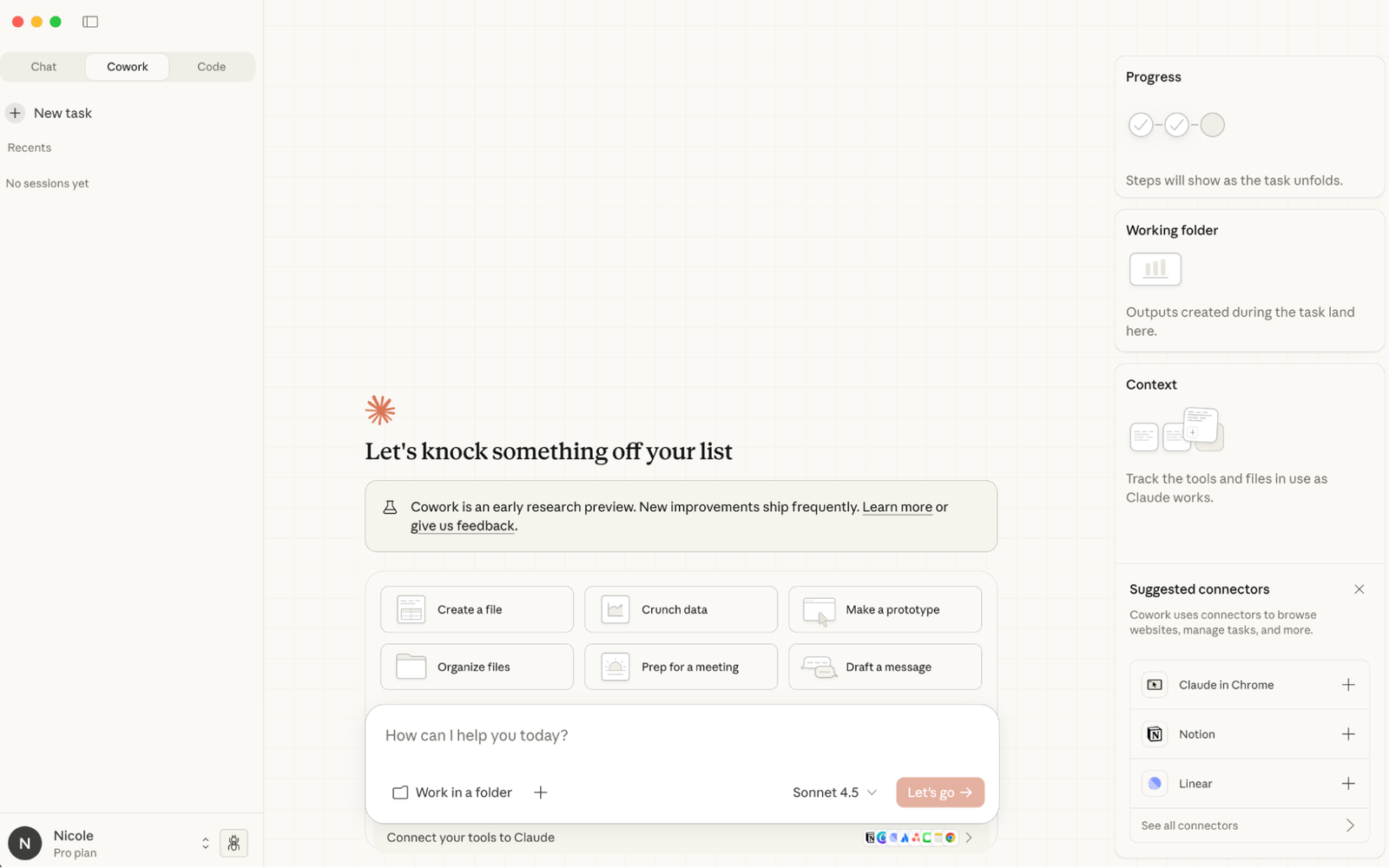
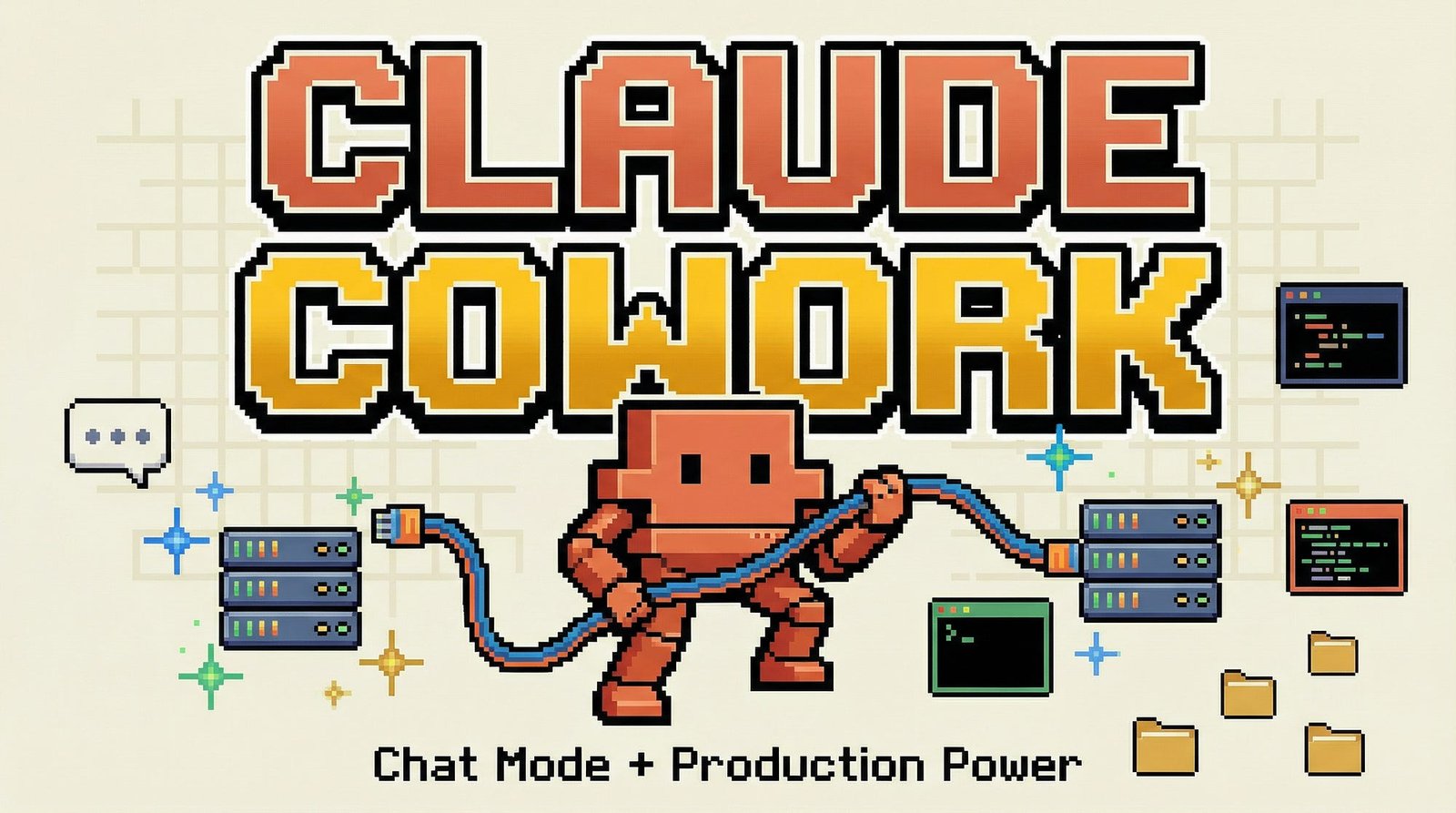
3. Claude by Anthropic
Very good at long conversations, planning projects, editing documents and thinking deeply. Fewer mistakes than many other AIs.
Official site: https://claude.ai Price: Free, Pro $20/month Best for: Writing proposals, strategy notes, team brainstorming.
4. Notion AI
Adds AI directly inside Notion to summarize pages, create ideas, improve databases and write faster.
Official site: https://www.notion.so Price: Notion free, AI add-on about $8–10 per user/month Best for: People who already use Notion as their main workspace.
5. Motion
AI calendar that automatically schedules tasks, moves meetings and protects focus time.
Official site: https://usemotion.com Price: Starts around $19/month Best for: Freelancers who have client calls + deep work blocks.
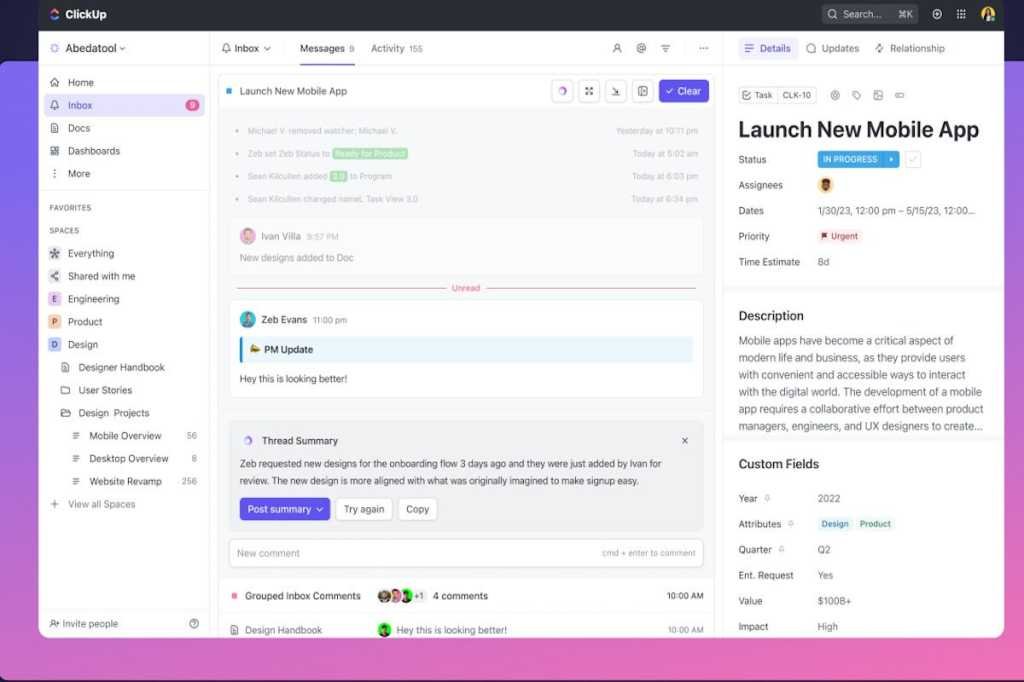
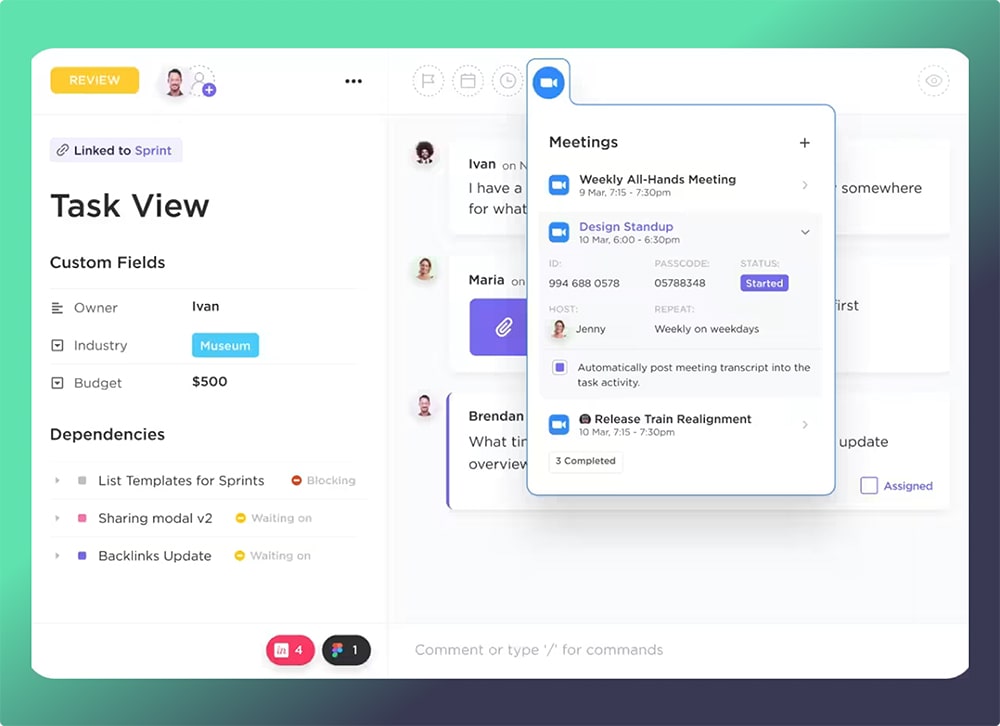
6. ClickUp AI
Inside ClickUp project management – creates tasks, writes descriptions, spots delays early.
Official site: https://clickup.com Price: Free plan, paid from about $7/user/month + AI add-on Best for: Small remote teams running projects.
7. Otter.ai
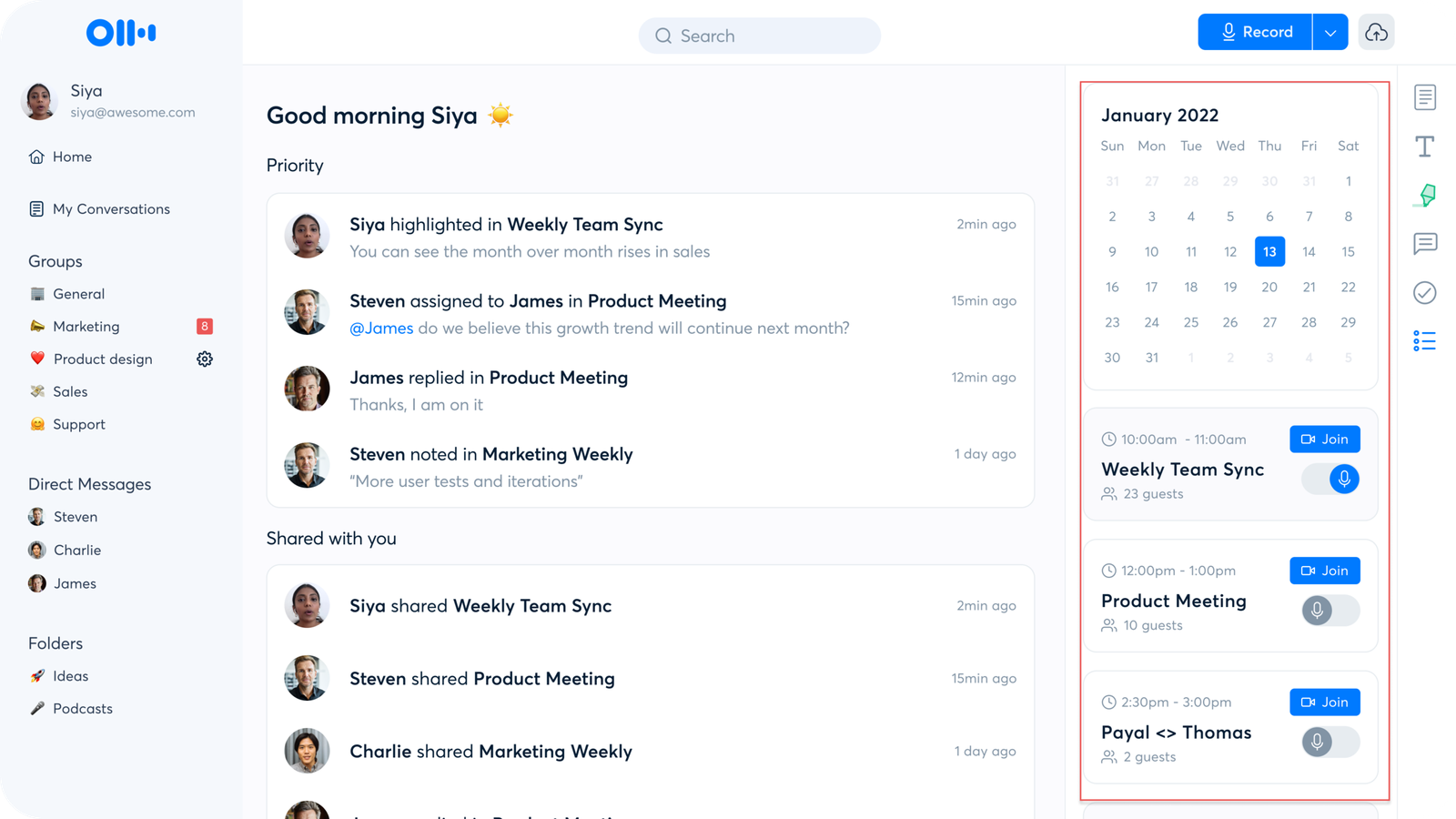
Transcribes Zoom / Google Meet calls live, creates summaries and lists action items automatically.
Official site: https://otter.ai Price: Free plan, Pro $10/month Best for: Teams that need async updates after meetings.

8. Grammarly Business
Fixes grammar, improves clarity and matches tone in emails, docs, Slack messages.
Official site: https://www.grammarly.com Price: Free basic, Business around $15/user/month Best for: Professional remote communication.
9. Mem.ai or Reflect
Builds your personal second brain – captures notes, links ideas, reminds you of old thoughts.
Official sites: https://get.mem.ai or https://reflect.app Price: Around $10–15/month Best for: Solopreneurs who want organized knowledge.
10. Wispr Flow
Speak to turn voice into emails, tasks, notes – AI understands and acts on what you say.
Official site: https://wisprflow.ai Price: Around $10–20/month Best for: People who think better while walking or driving.
Quick Comparison Table
| Rank | Tool | Best For | Starting Price (USD) | Biggest Remote Benefit |
|---|---|---|---|---|
| 1 | Zapier Agents | Automations | Free / ~$20/mo | Removes repetitive work |
| 2 | Perplexity | Research | Free / $20/mo | Fast answers with sources |
| 3 | Claude | Planning & writing | Free / $20/mo | Handles big context well |
| 4 | Notion AI | Workspace notes | ~$8–10/mo add-on | Everything in one place |
| 5 | Motion | Calendar & tasks | ~$19/mo | Auto-schedules smartly |
| 6 | ClickUp AI | Project management | Free / ~$7+/mo | Creates tasks automatically |
| 7 | Otter.ai | Meeting notes | Free / $10/mo | Async summaries |
| 8 | Grammarly | Writing polish | Free / ~$15/mo | Professional tone |
| 9 | Mem / Reflect | Personal knowledge | ~$10–15/mo | Connects your ideas |
| 10 | Wispr Flow | Voice input | ~$10–20/mo | Hands-free productivity |
How to Start Your Stack in 2026
- Freelancer solo → Perplexity + Claude + Motion
- Small team → Zapier Agents + Otter + ClickUp AI
- Low budget → Start with free versions of Perplexity, Claude and Notion AI
Try the free plans first – most let you test real work.
FAQs
Are these tools safe for business use? Most are SOC 2 compliant (Zapier, Claude, Otter, Grammarly, etc.). Always check privacy settings.
Which ones are completely free to start? Perplexity, Claude and Otter have strong free tiers.
How much time can I actually save? Many users report 10–40% more productive hours when they stack 2–3 tools.
More articles on techixting.com
- Best AI Tools for Freelancers 2026
- Remote Work Tech Stack 2026
- AI Automation Ideas for Small Teams
- Productivity Trends to Watch in 2026
These tools change quickly so check back often. Which AI tool helps you most right now? Leave a comment below!